From sign up to your first sale, step by step
CURUZA is built to be picked up without training. Here is the whole journey on real screens — what each step does, and why it helps you run your shop.
The whole journey, on real screens
Sign up in under a minute
No email and no card needed. Enter your phone number and choose a four digit PIN — or use an email if you prefer one. That is the entire sign up, and you are in.
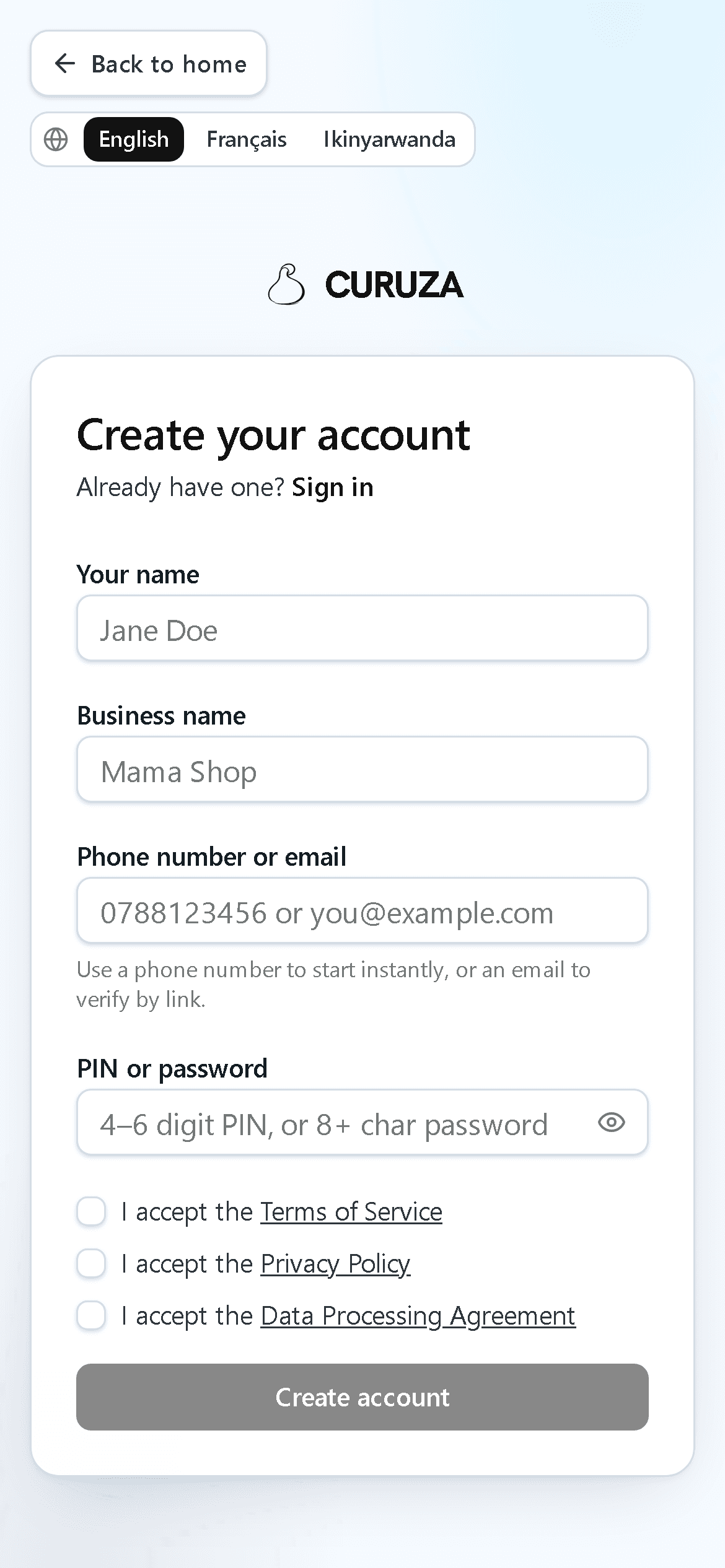
Pick your language and shop type
Choose English, Français or Ikinyarwanda, then tell CURUZA what kind of shop you run. It sets up matching product categories for you, so you are never staring at a blank page.
EN · FR · RW
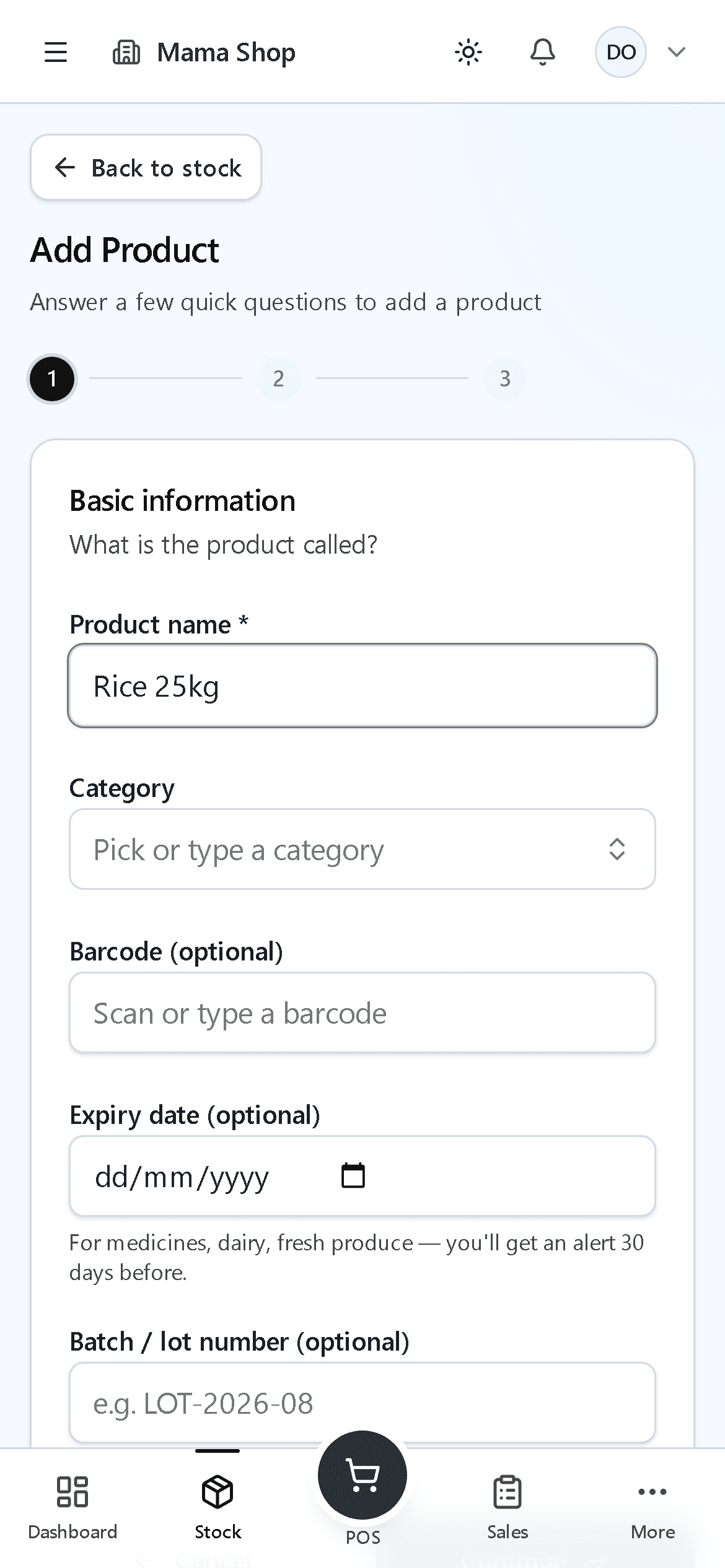
Add your products
Enter each product once: its name, what you paid for it, and your selling price. Sell by the piece, or by the sack, kilo and half kilo if you weigh things out. This is the one step that takes real time — and the one our team can do for you.
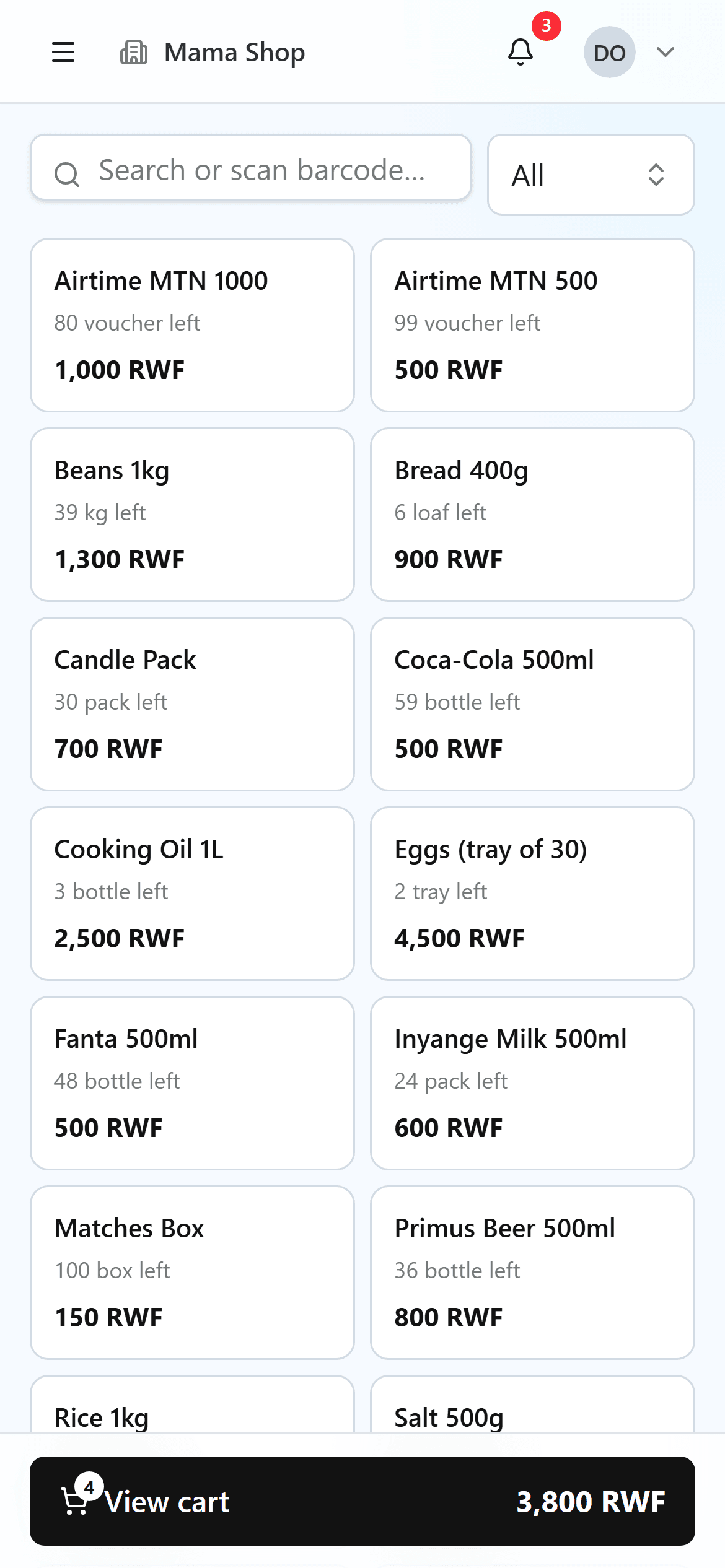
Sell at the counter
Tap a product or scan its barcode and the sale is rung up at the price from your own list. Take cash, Mobile Money, card, or put it on a trusted customer's credit.
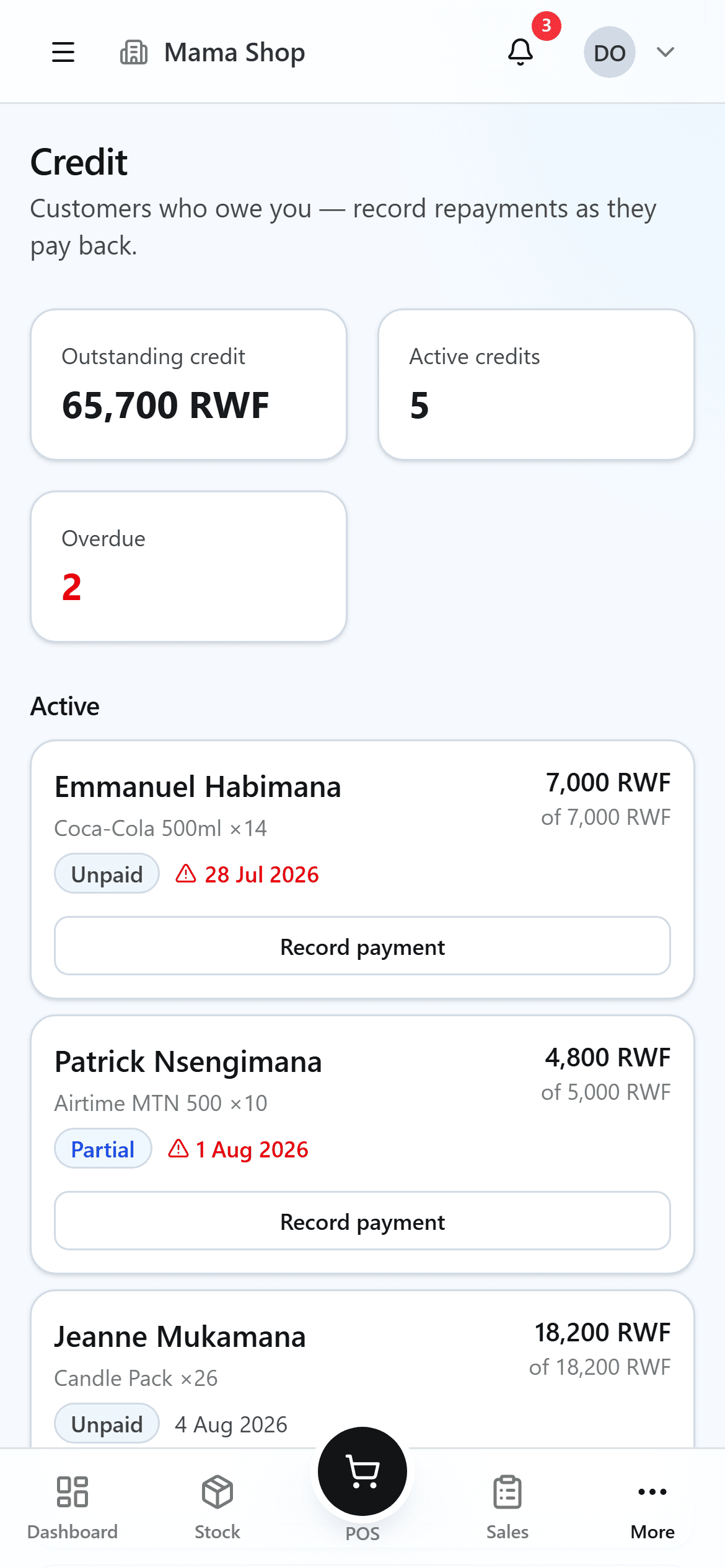
Track who owes you
Every credit sale is tied to a customer and a due date. Record part payments as they come in, and CURUZA flags a debt the day it goes late — so nothing is forgotten in a notebook.
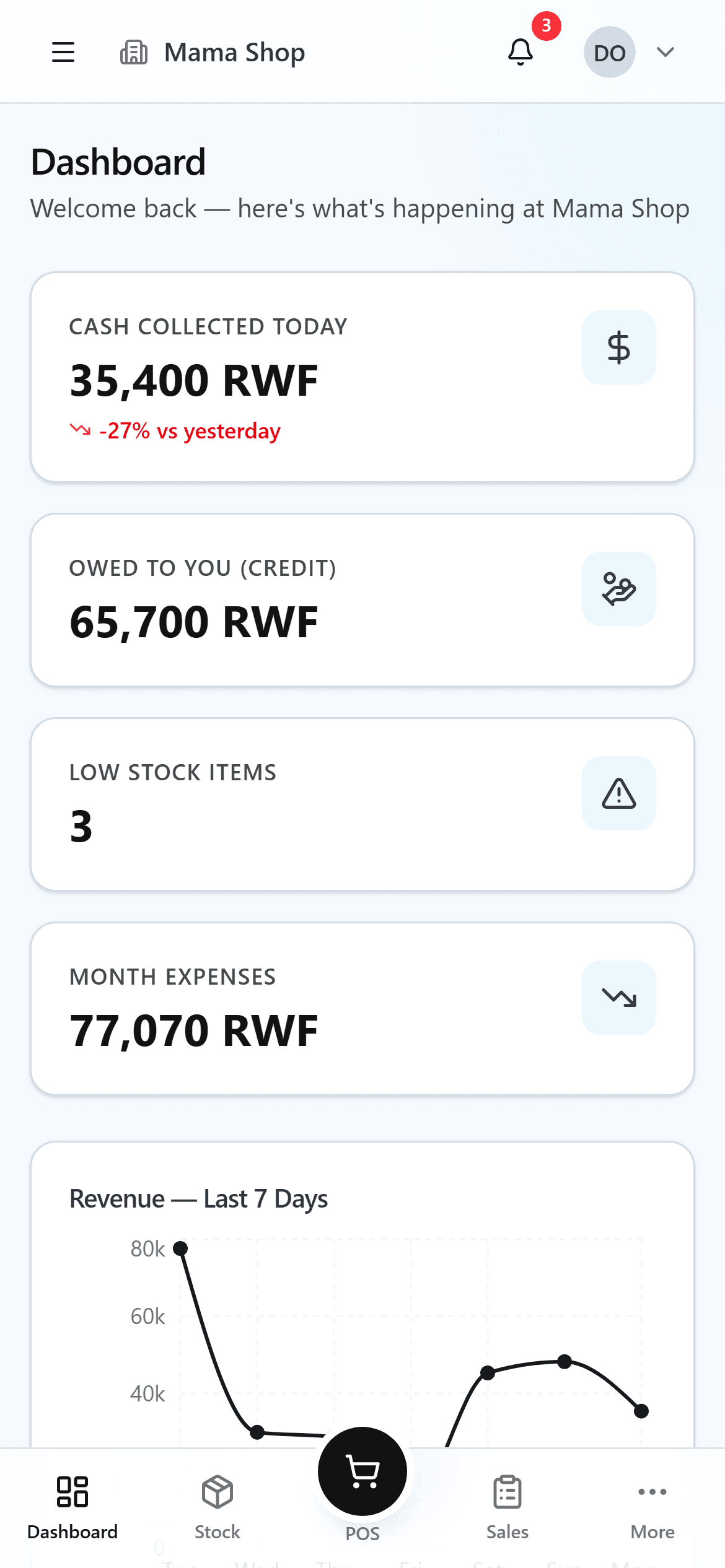
See your money at a glance
Open the dashboard any time, from the shop or from home, to see today's sales, what is running low on the shelf, and how much you are owed.
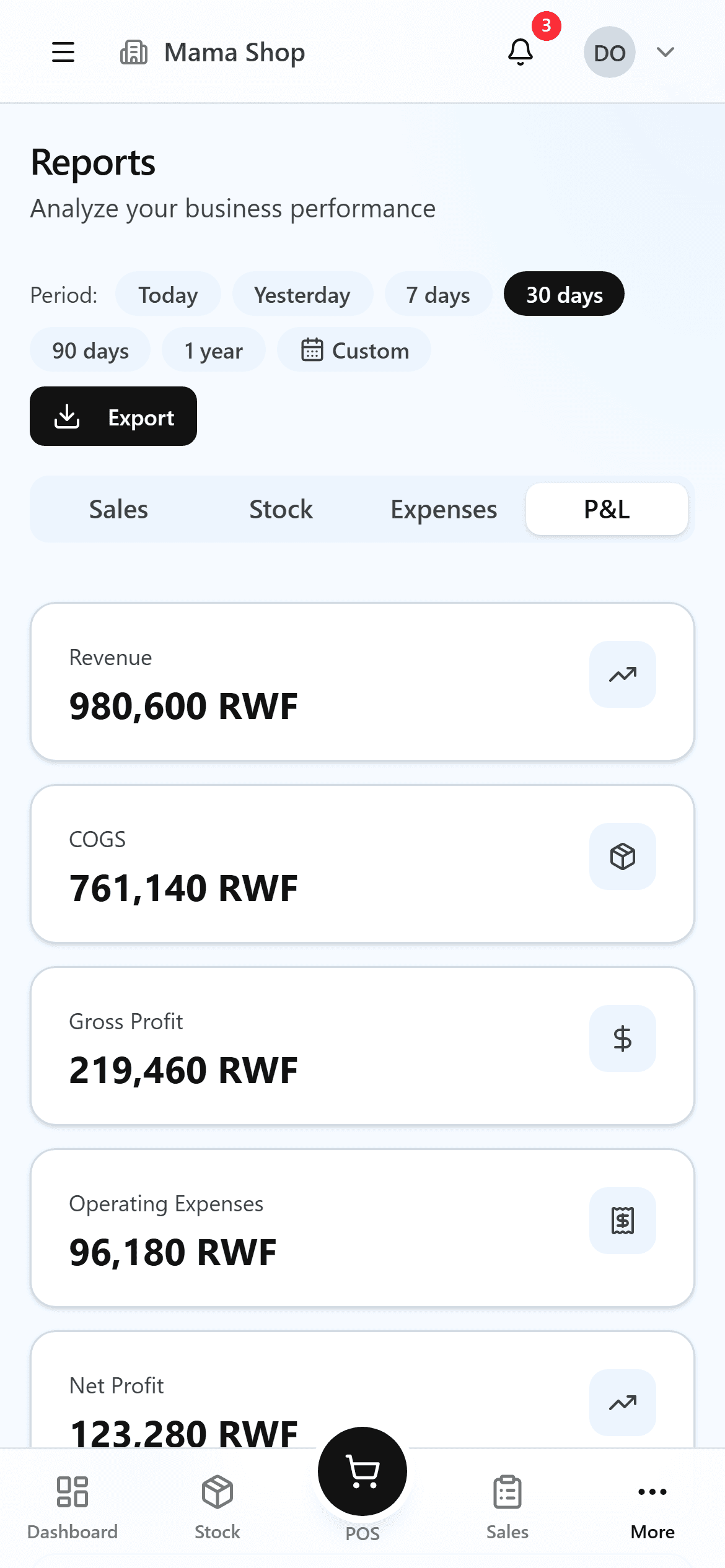
Know your real profit
Reports show what you actually kept after the cost of goods and your expenses — by day, week or month. Export any of it to PDF or CSV whenever you need it.
What each screen is for
Once you are in, this is what lives behind each part of the app.
Dashboard
Your shop at a glance — today's sales, low stock, and money owed.
Point of sale
The counter. Ring up sales fast by tap or barcode, and take any payment type.
Inventory
Every product with its stock level, cost and price, plus a warning before you run out.
Sales
A record of every sale. Correct a date, return an item, or void a mistake.
Credit
Who owes you, how much, and when it is due — with a ledger of every repayment.
Purchases
Orders to your suppliers. Receiving stock updates your costs automatically.
Expenses
Rent, transport, airtime — every cost written down so your profit is honest.
Reports
Profit and loss, sales, stock and expense reports, exportable to PDF or CSV.
Staff
Who is working and selling — active hours and sales for each cashier.
Returns
Refunds and returns, with stock and money put back correctly.
Settings
Your shop details, your team and their roles, and your branches.
Prefer we set it up for you?
The app is free to use — always. But entering every product for the very first time takes real work. If that feels like too much, send us your product list and our team will build your stock for you, ready to sell.
This optional setup help costs between 3,000 and 12,000 RWF, depending on the size of your shop. The app itself stays completely free.